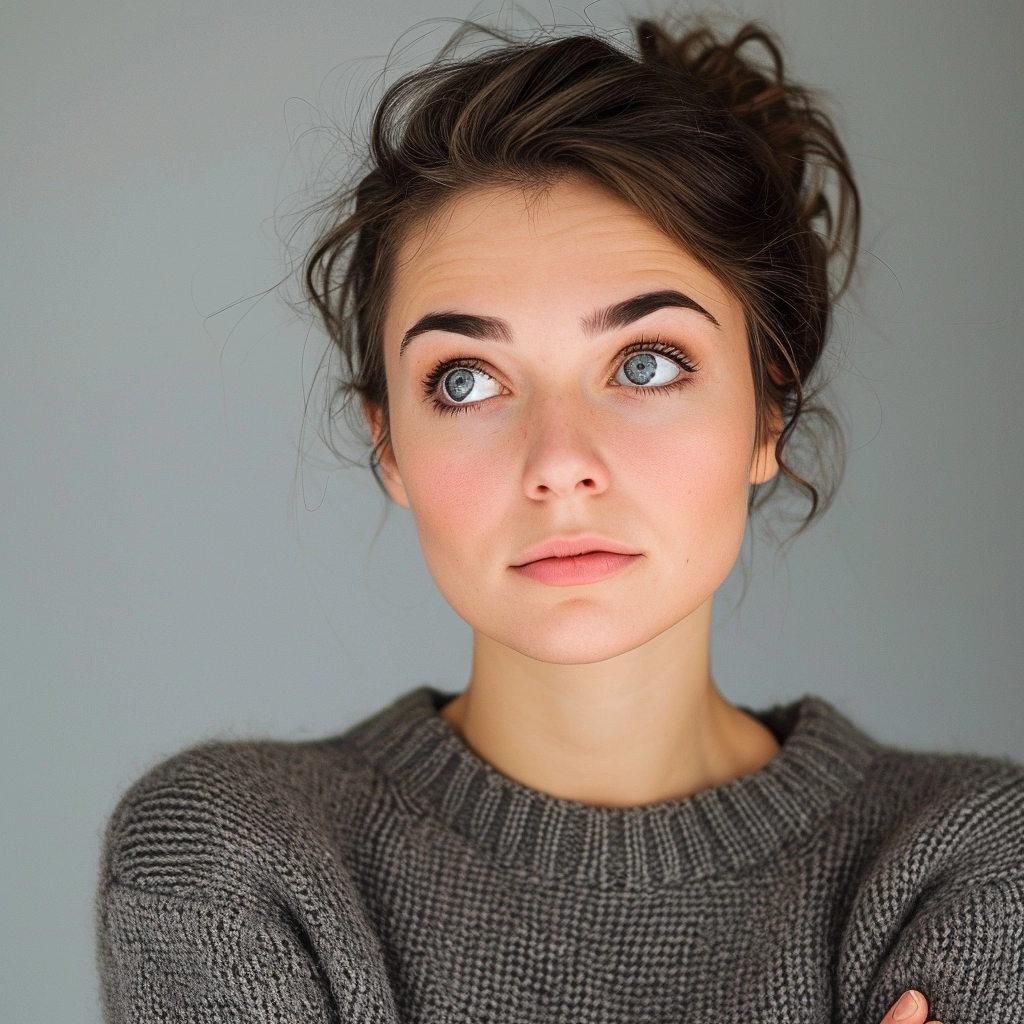
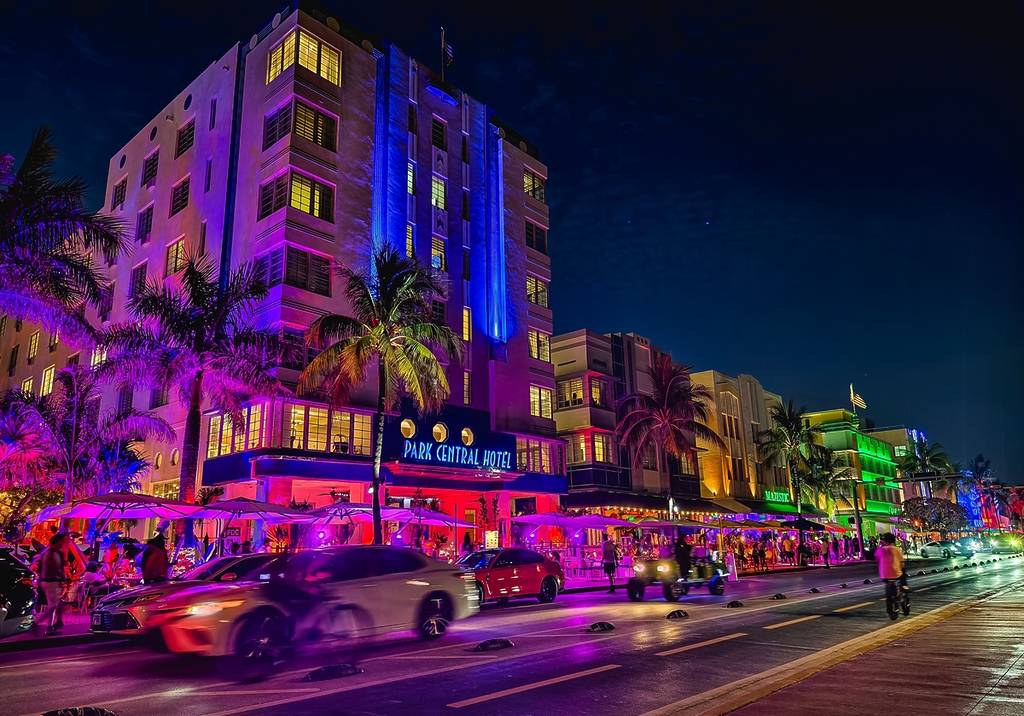
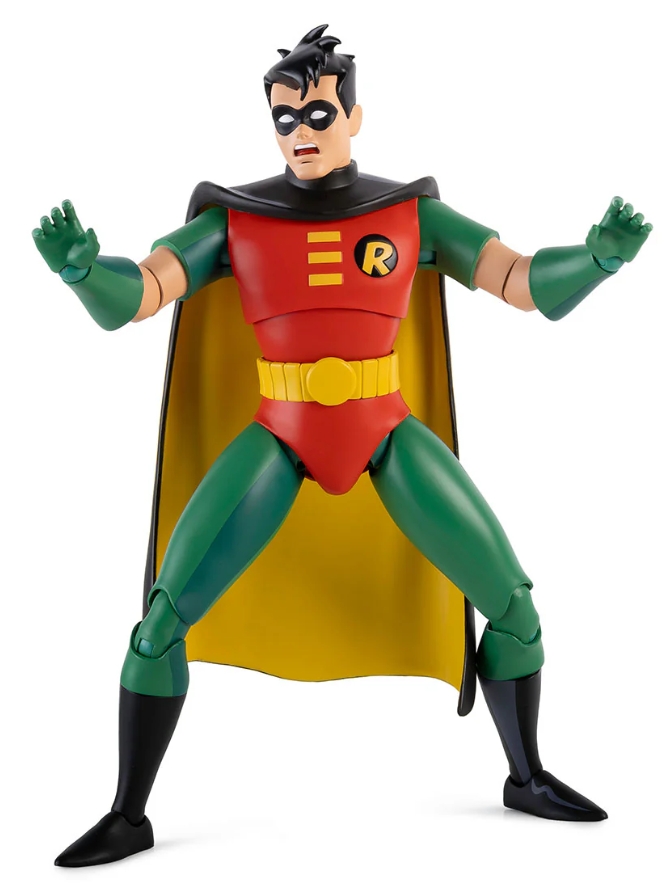
This is an experimental feature that can combine two input images to create a new composition.
The tool is designed for artistic and creative blends rather than precise edits—it’s not intended for exact object placement. This means it’s still not fully perfect for dressing people in clothes or accessories. For best results, use it with people or objects as subjects in new images.
Check the examples below:
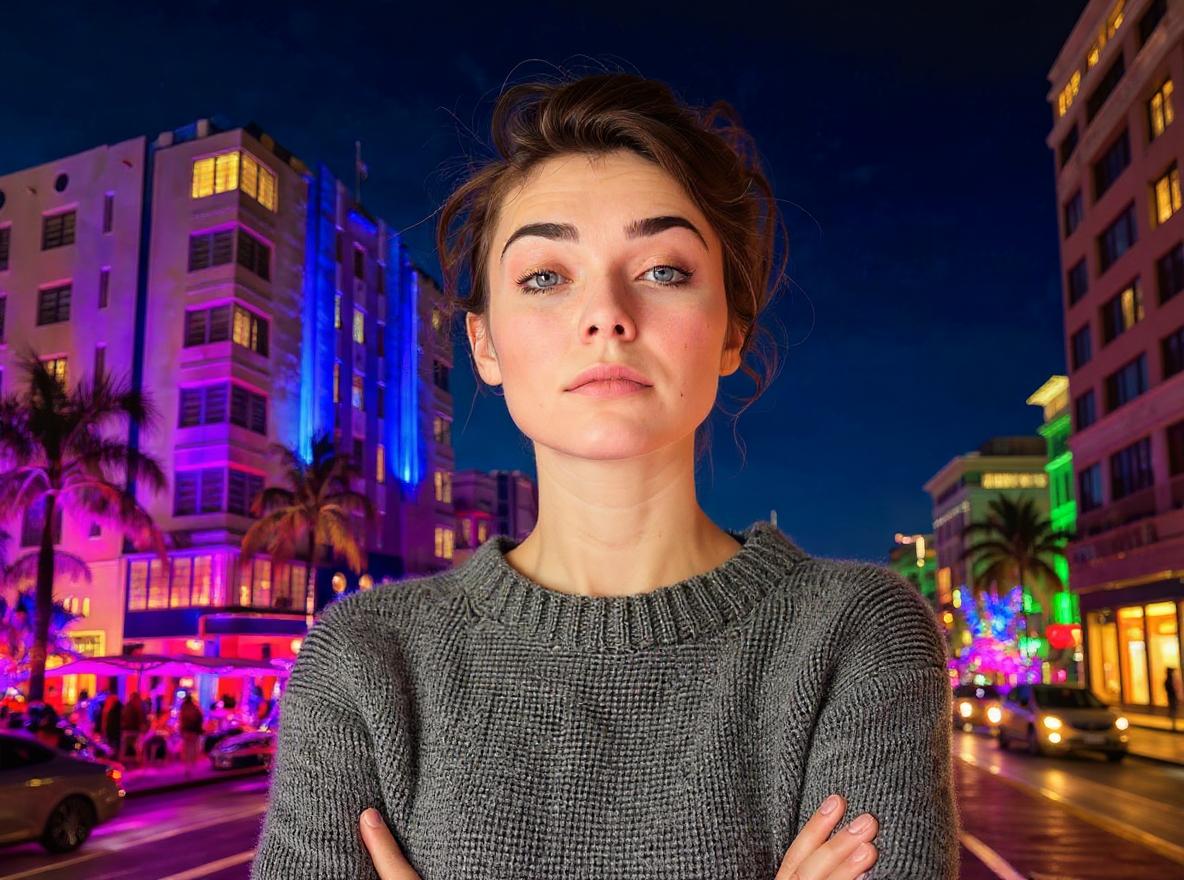
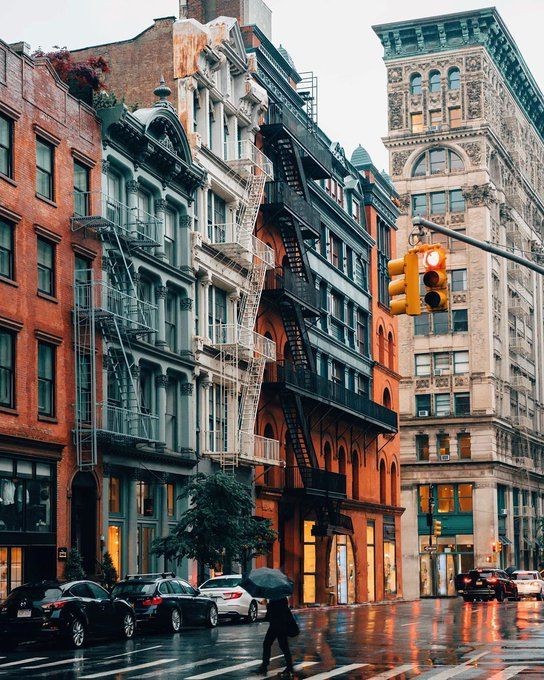
Place the woman in the city background
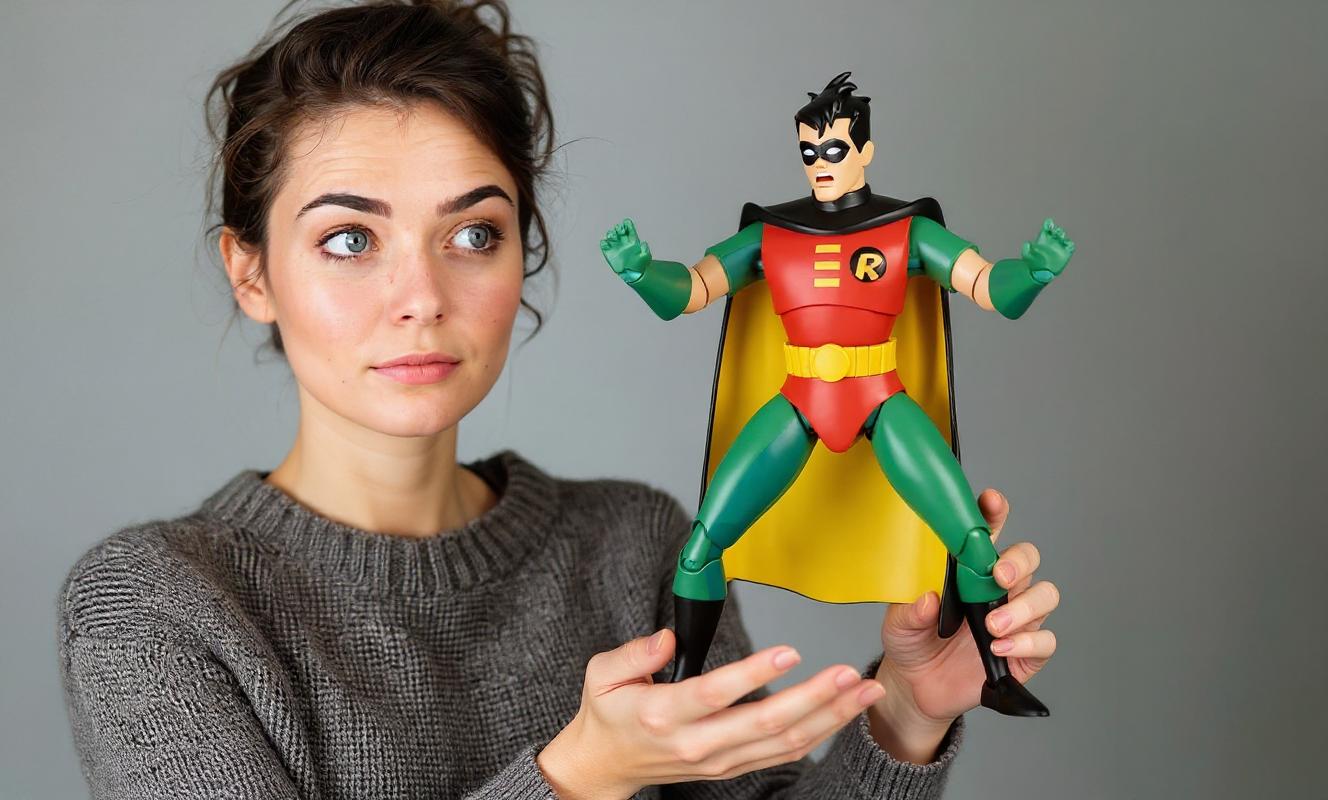
The woman is holding the action figure
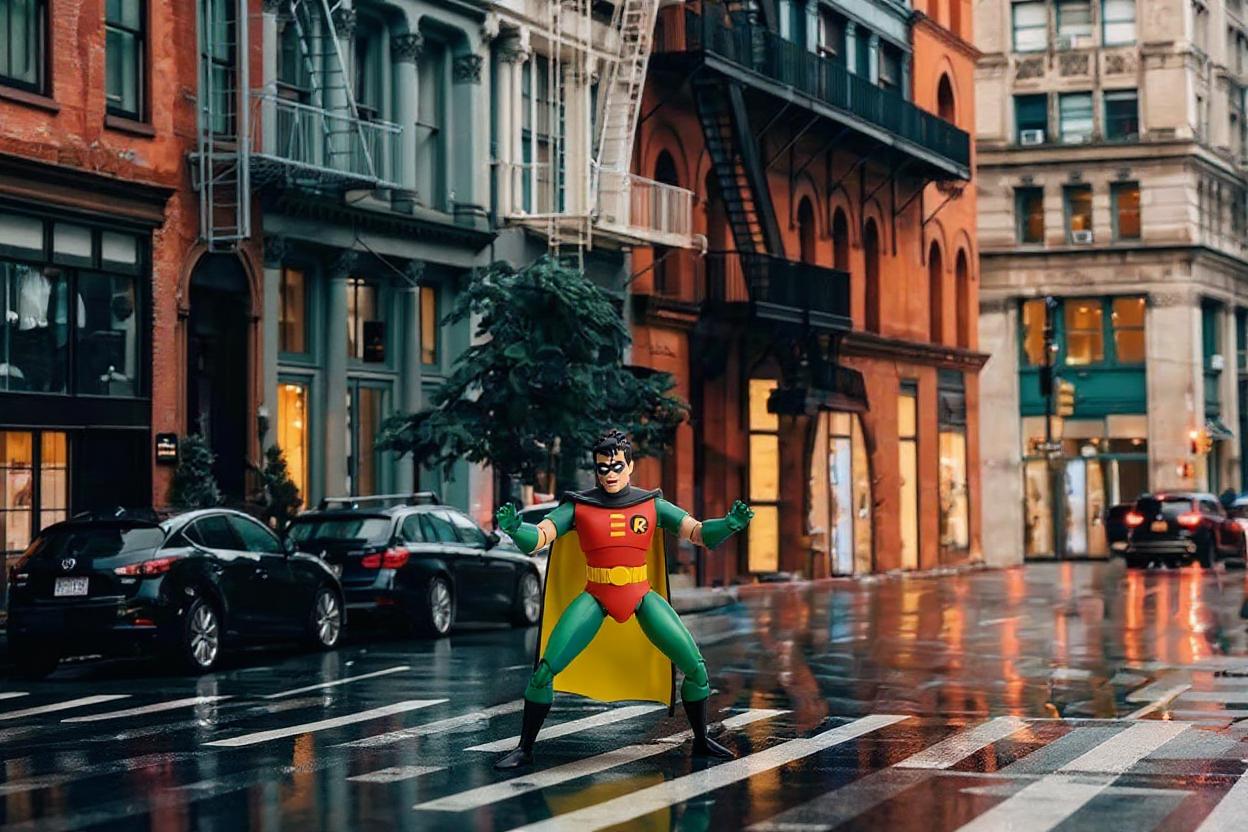
Put the small action figure in the ground of the city background
- Creative composition
- Image combination
- Artistic fusion
- Scene blending
Not that good for:
- Precise object placement
- Product placement
- Exact positioning
To achieve optimal results, experiment with a batch size of 2 to 4 images when using this feature iteratively.