

Basic Object Changes
Shockvue handles simple modifications really well — like changing the color of an object or swapping accessories. Just describe what you want changed in plain language. 📌 Example: Change the color of the woman’s coat to neon green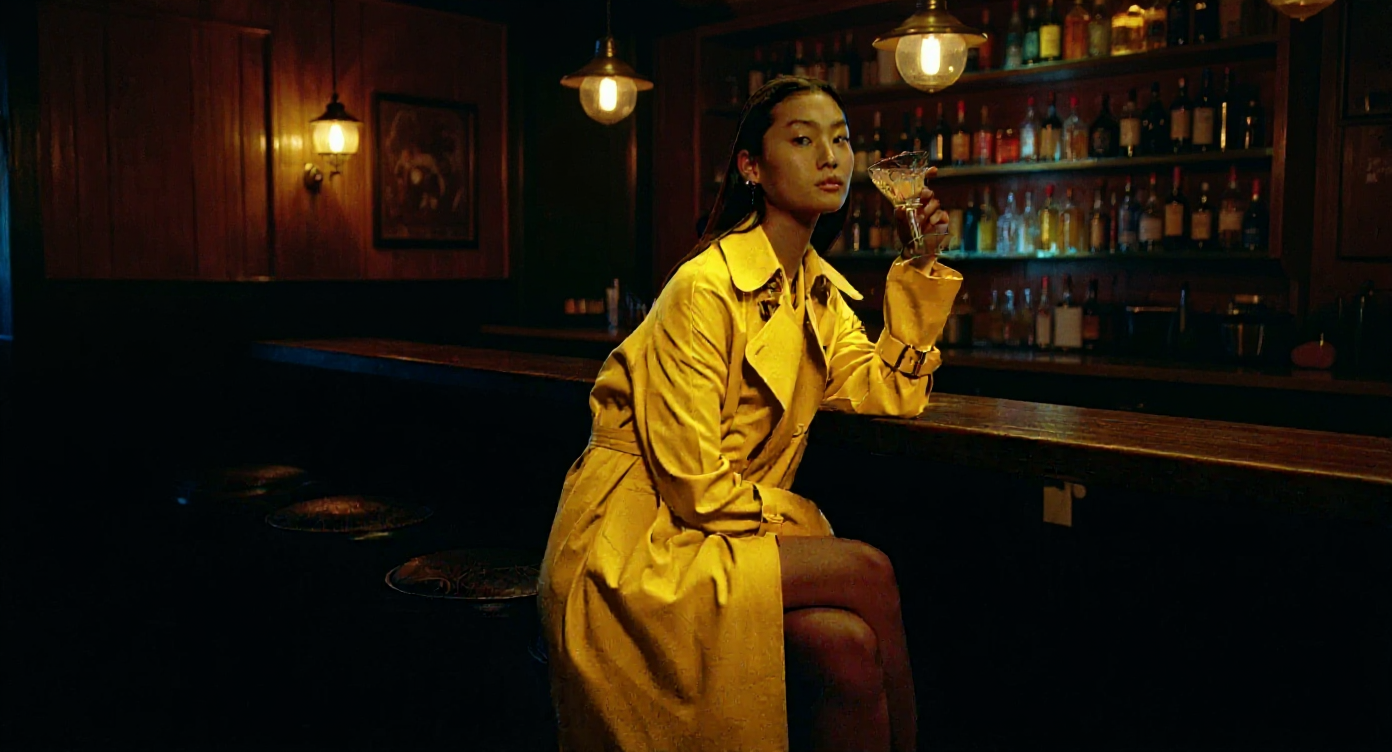
Input image + Prompt
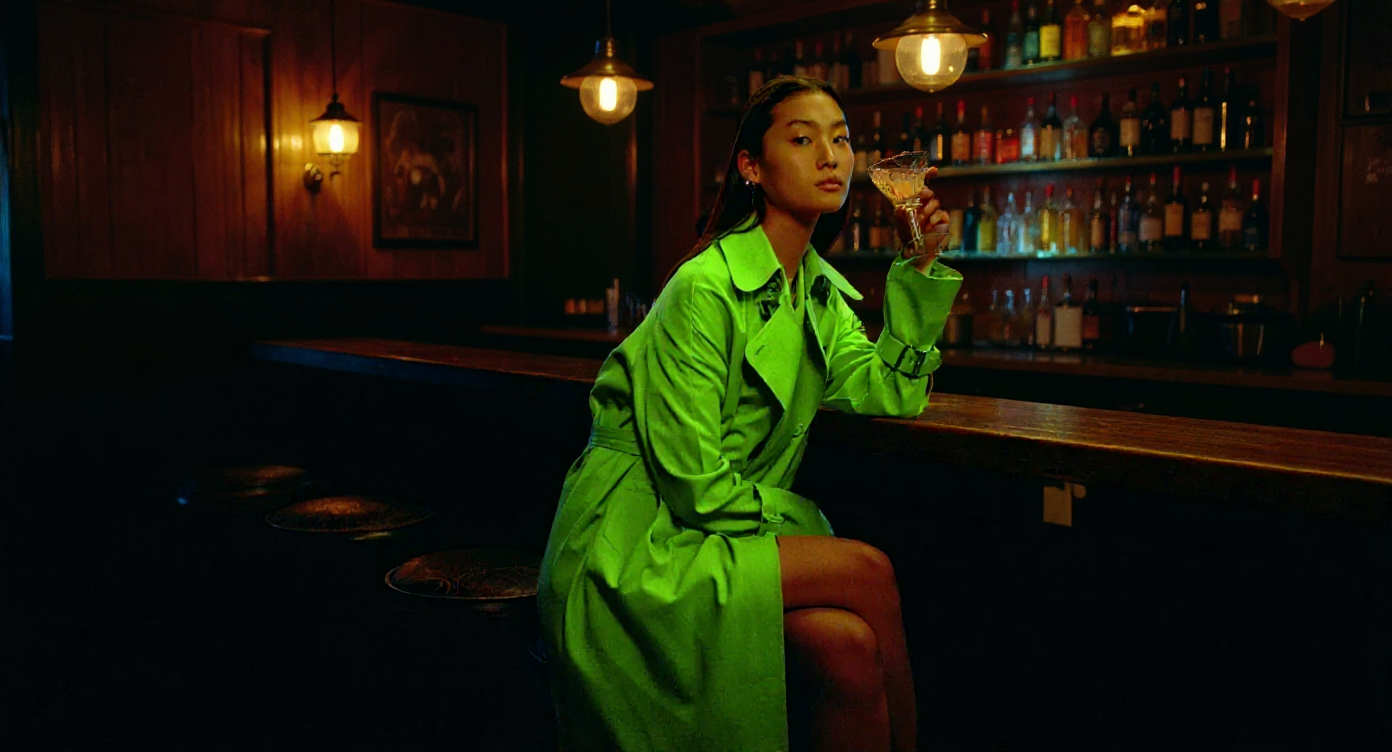
Output
Iterative Editing
Need consistency across multiple edits? Shockvue is strong at keeping characters and objects coherent across versions. Start from a reference image and apply changes over time — the results remain stable.
Input image
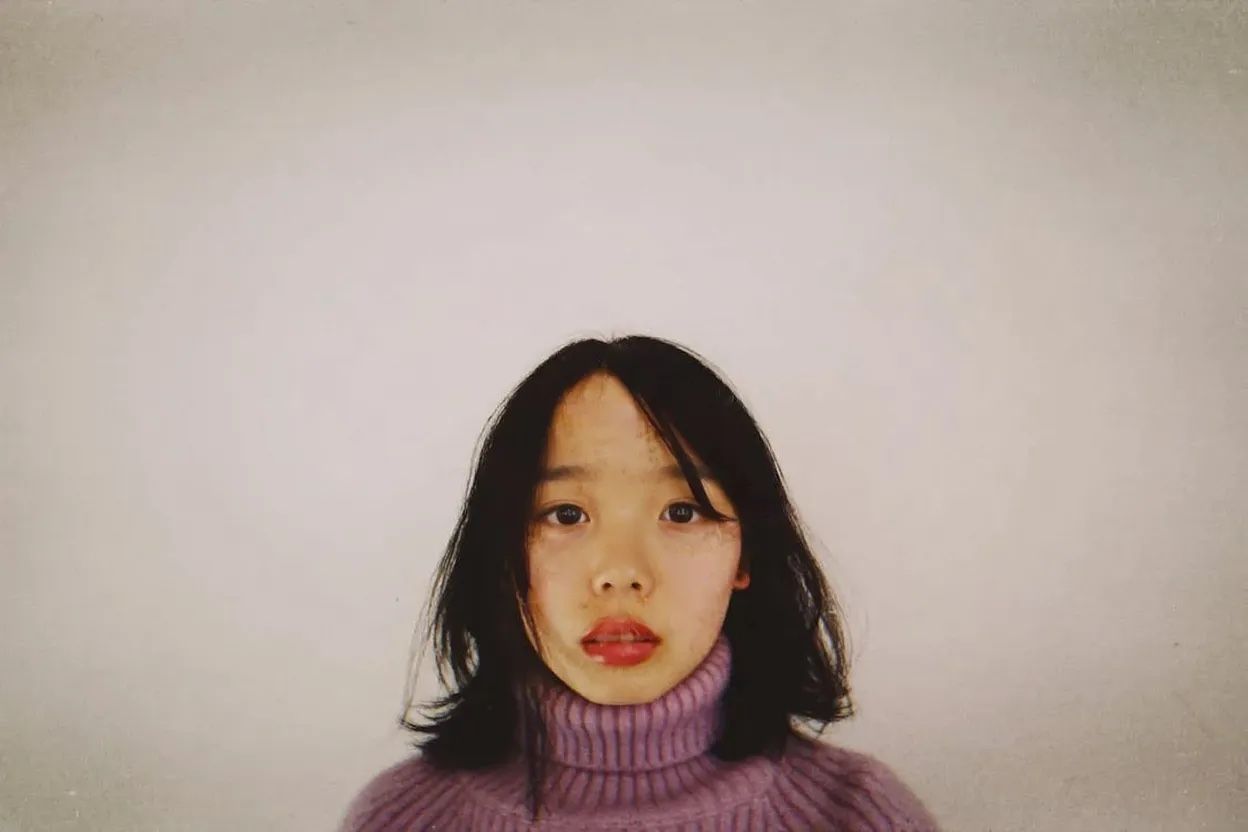
Remove the object from her face
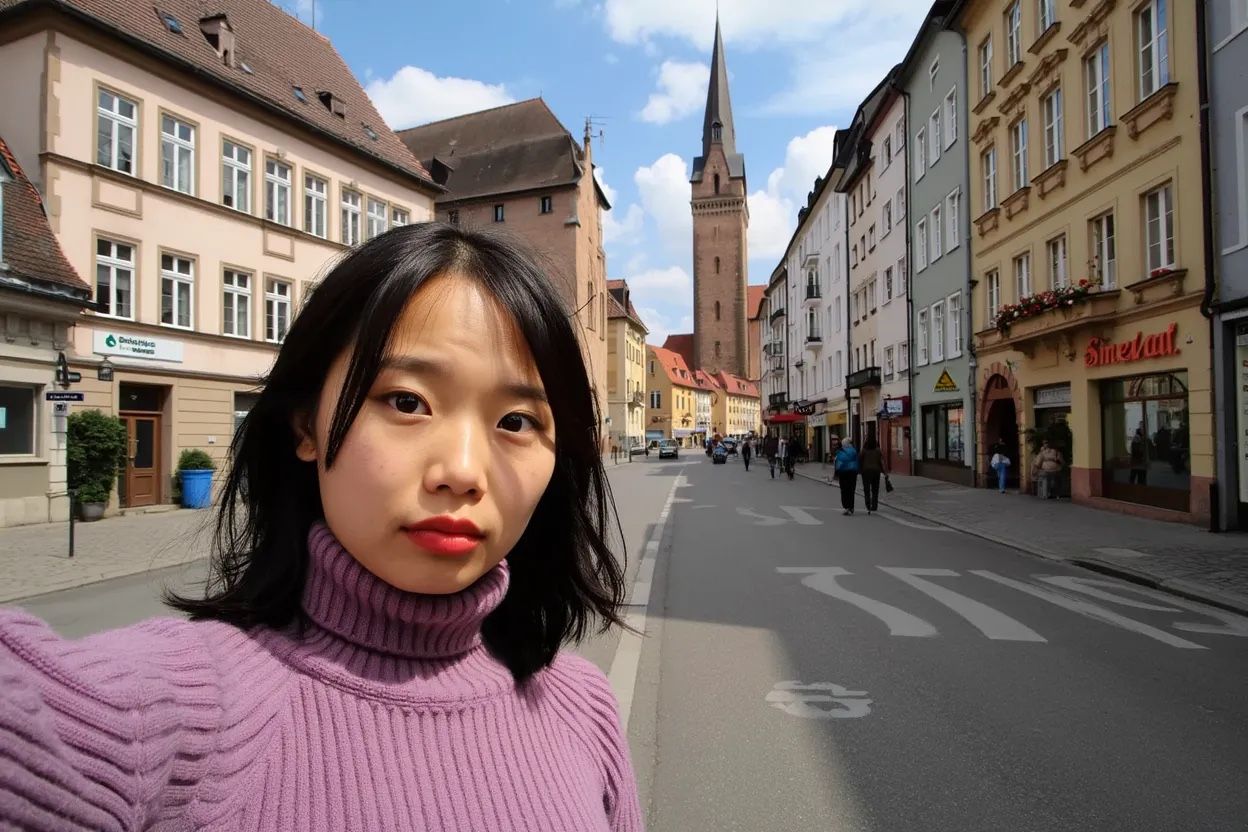
She is now taking a selfie in the streets of Freiburg, it’s a lovely day out.
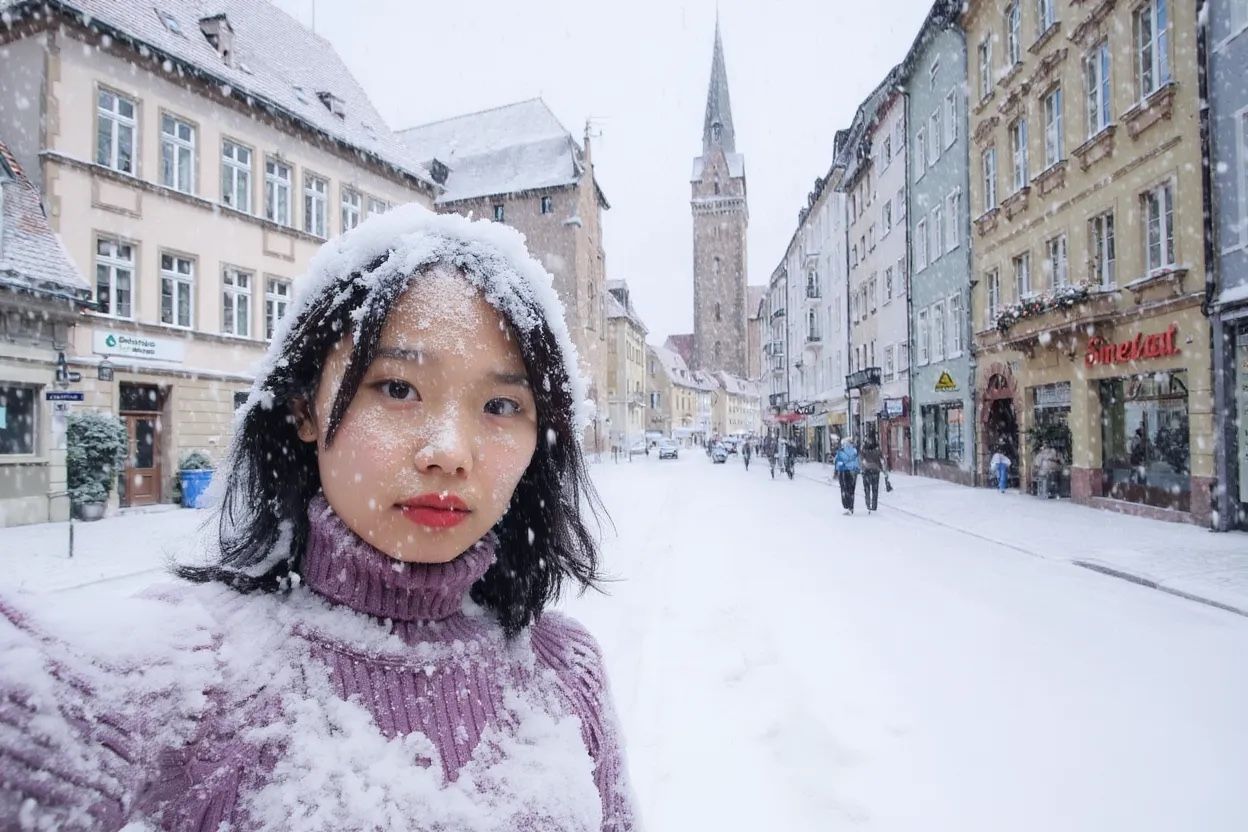
It’s now snowing, everything is covered in snow.
Editing Text Inside Images
Shockvue can rewrite text inside images directly — no need to recreate the whole thing. Perfect for editing signs, menus, labels, posters, and more. Prompt tip: Use quotation marks to specify what should be replaced. Format: Replace"[original text]" with "[new text]"
📌 Example: Replace the word ‘ride’ with ‘vibe’, keeping the same font, color, and style


Brand Asset Tooling Mockups & logo placement: e.g., place your branding on a product or scene. 📌 Example: Place this design on the front of a black coffee mug
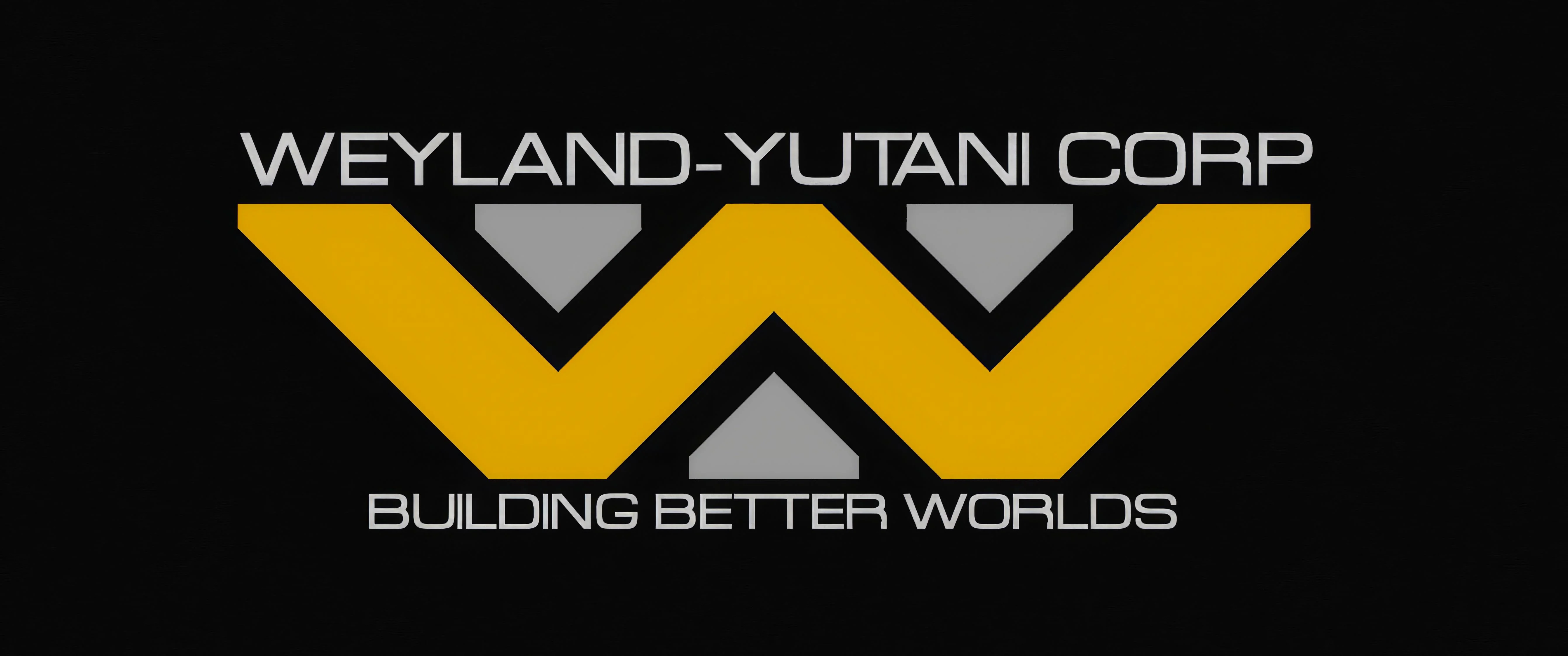
Input image + Prompt
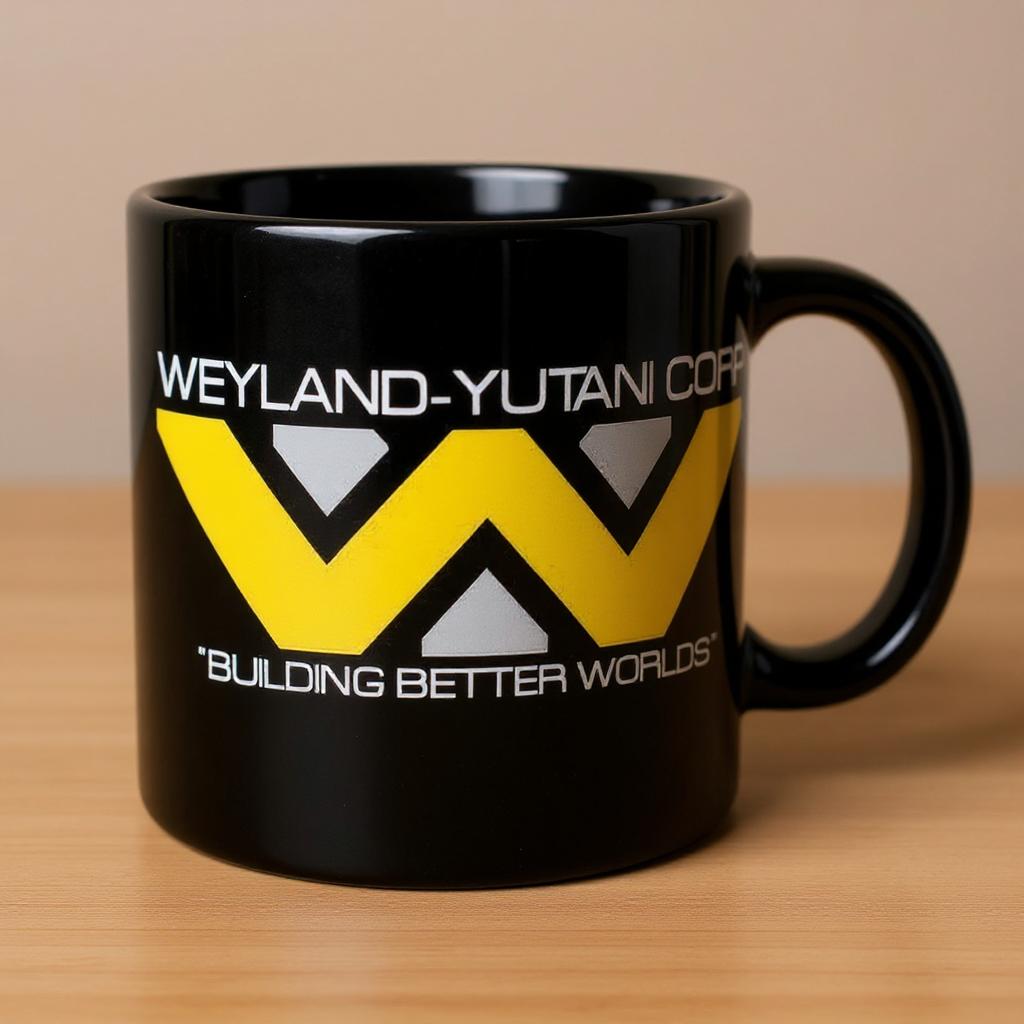
Output